Push Notifications
Setting up Firebase FCM
Learn how to set up Firebase Cloud Messaging to obtain Server Key and google-services.json
Push Notifications
Setting up Firebase to Obtain Server Key & google-services.json
First of all, Login to Firebase Console
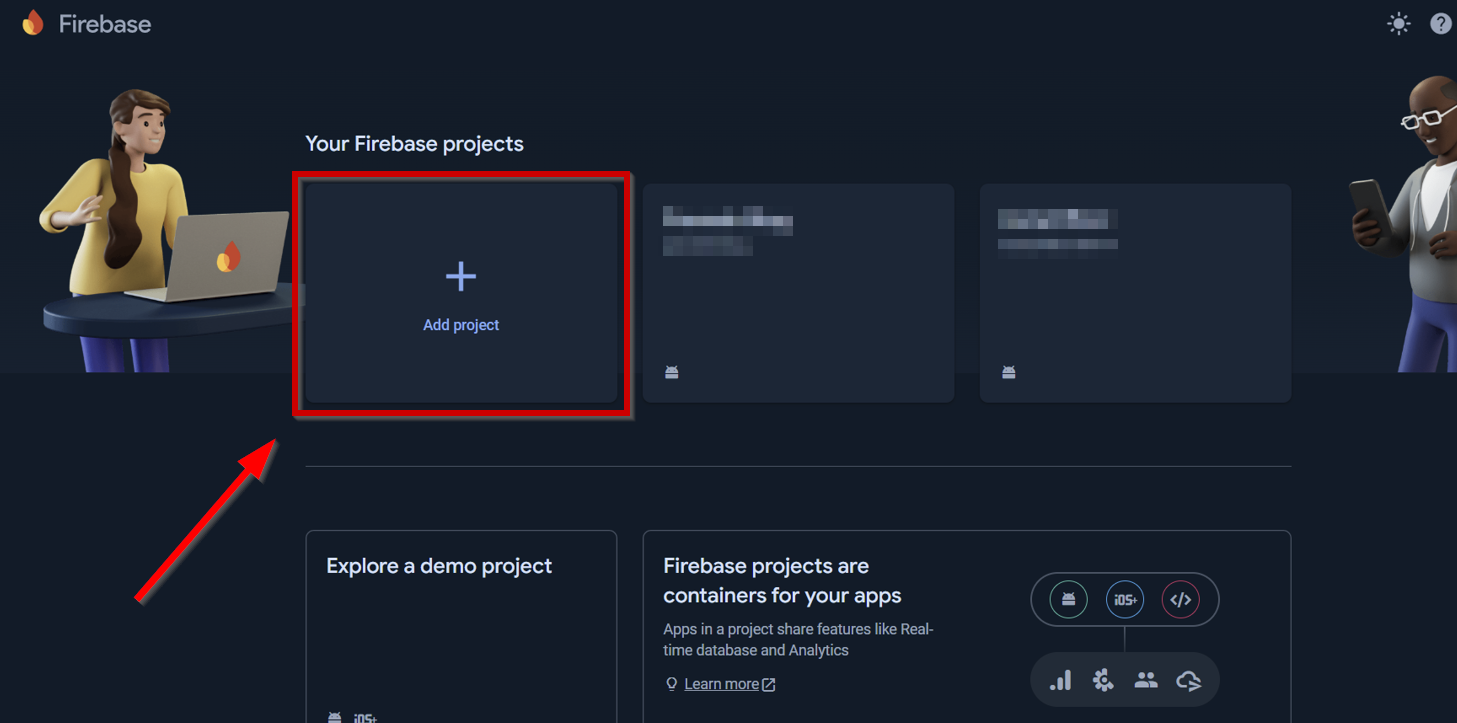
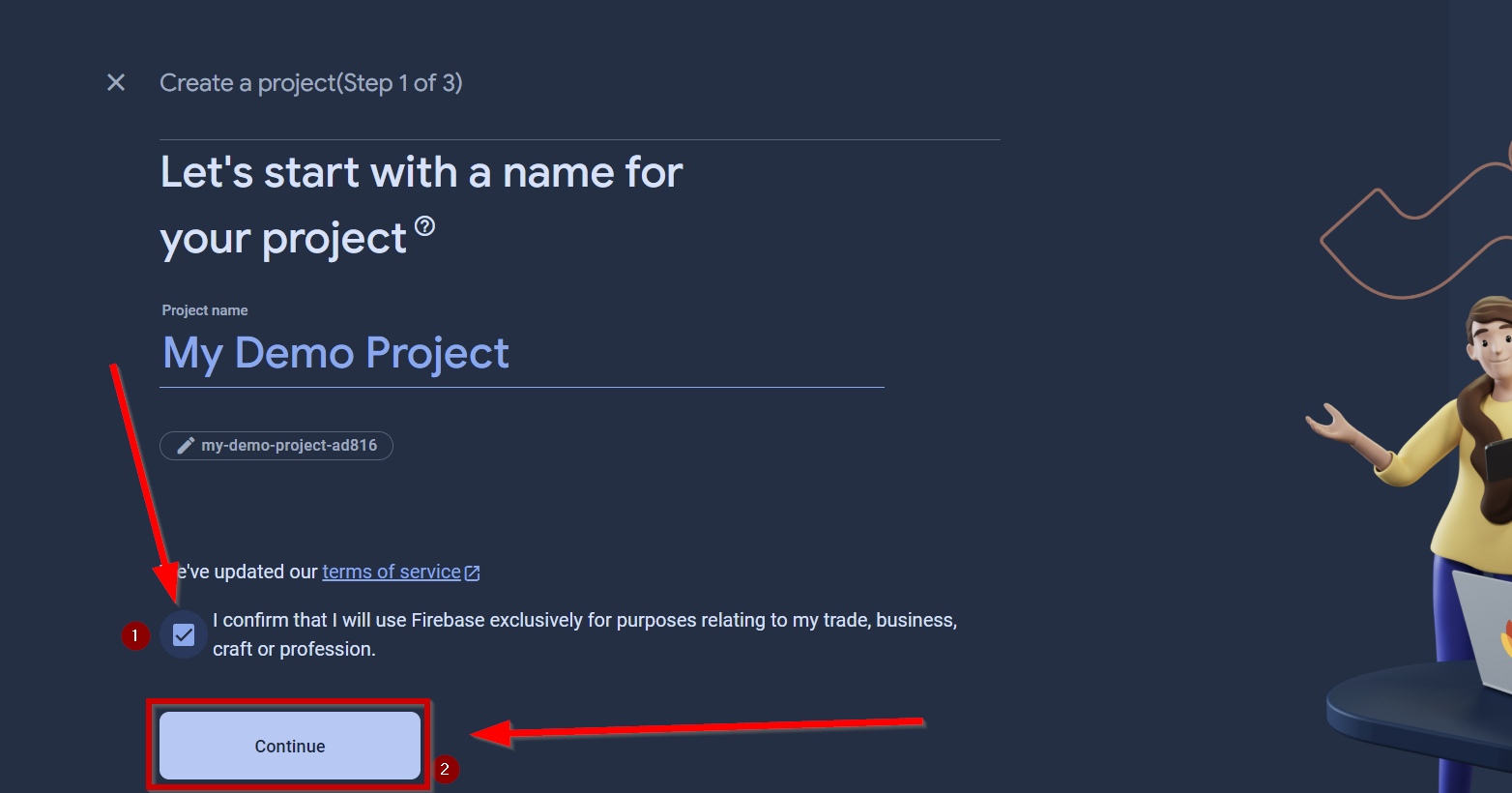
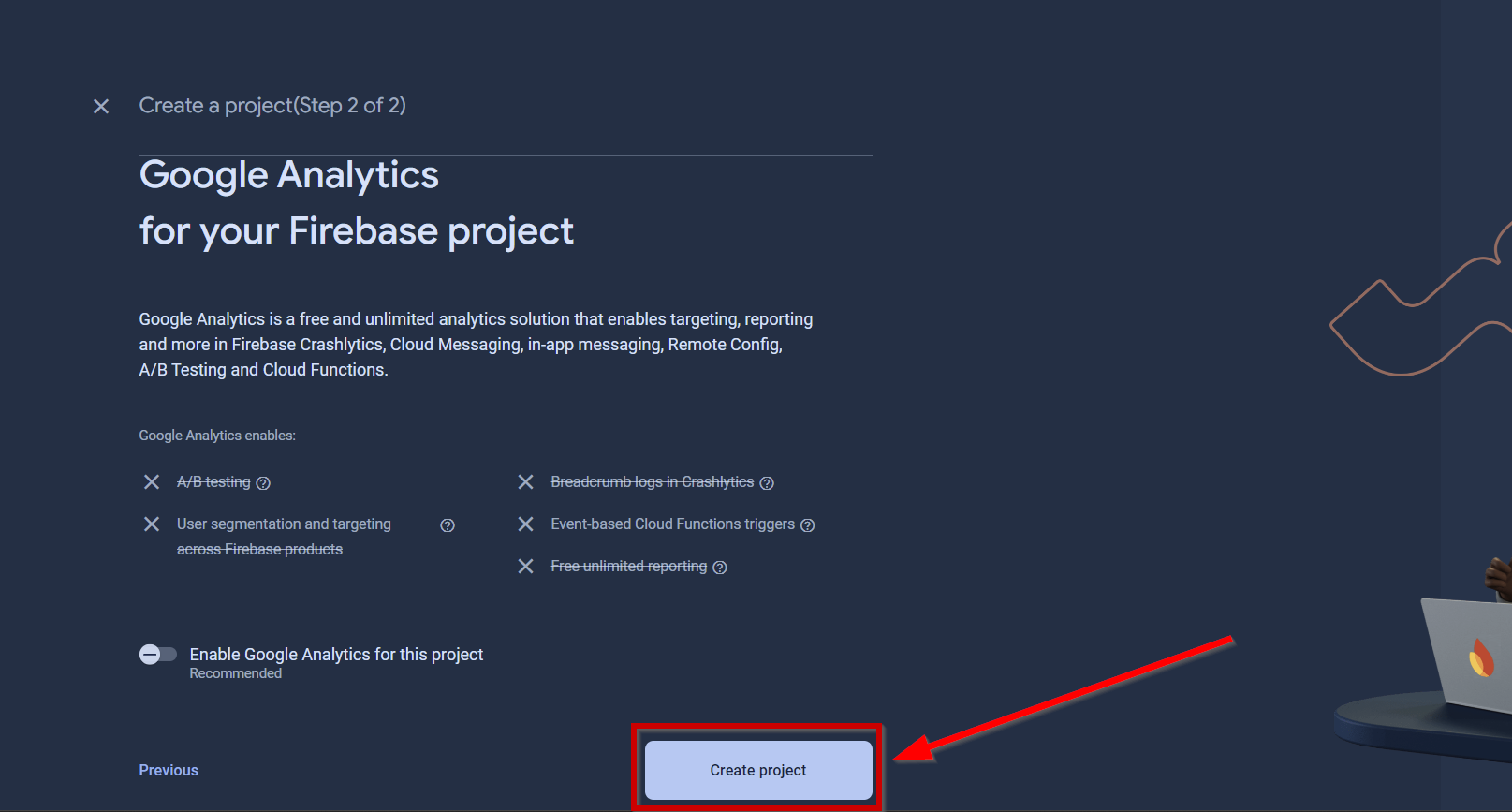
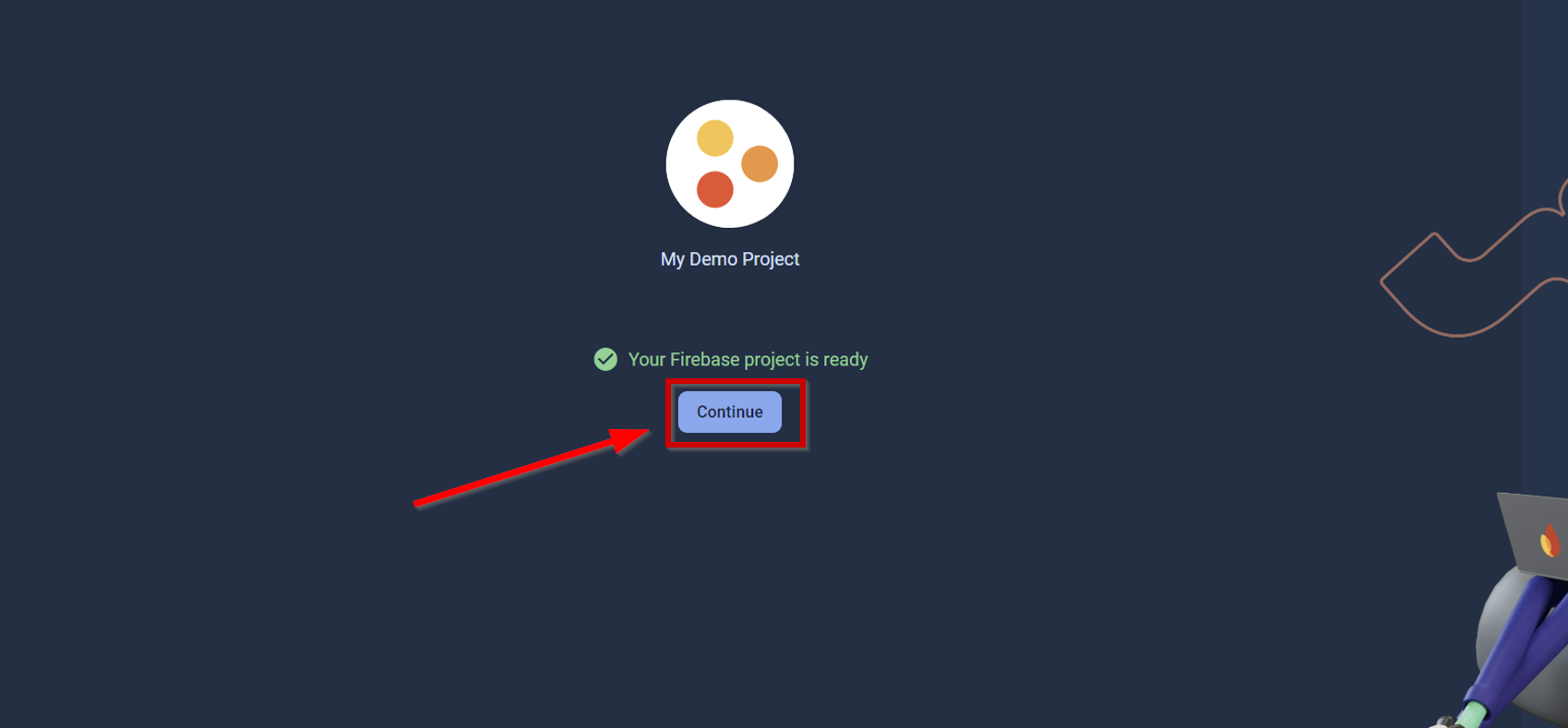
Creating a Project
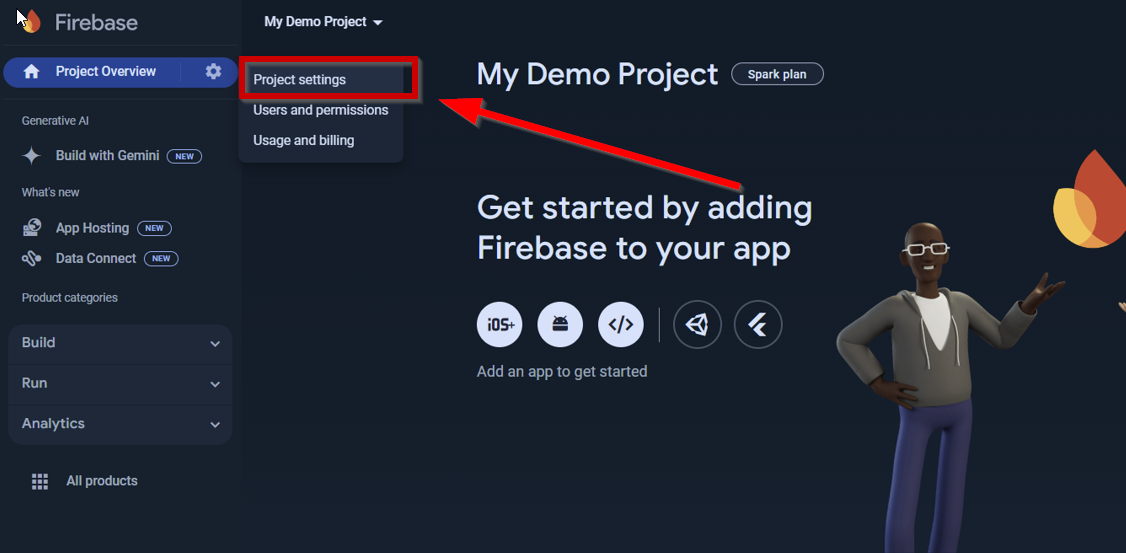
Go to Project Settings
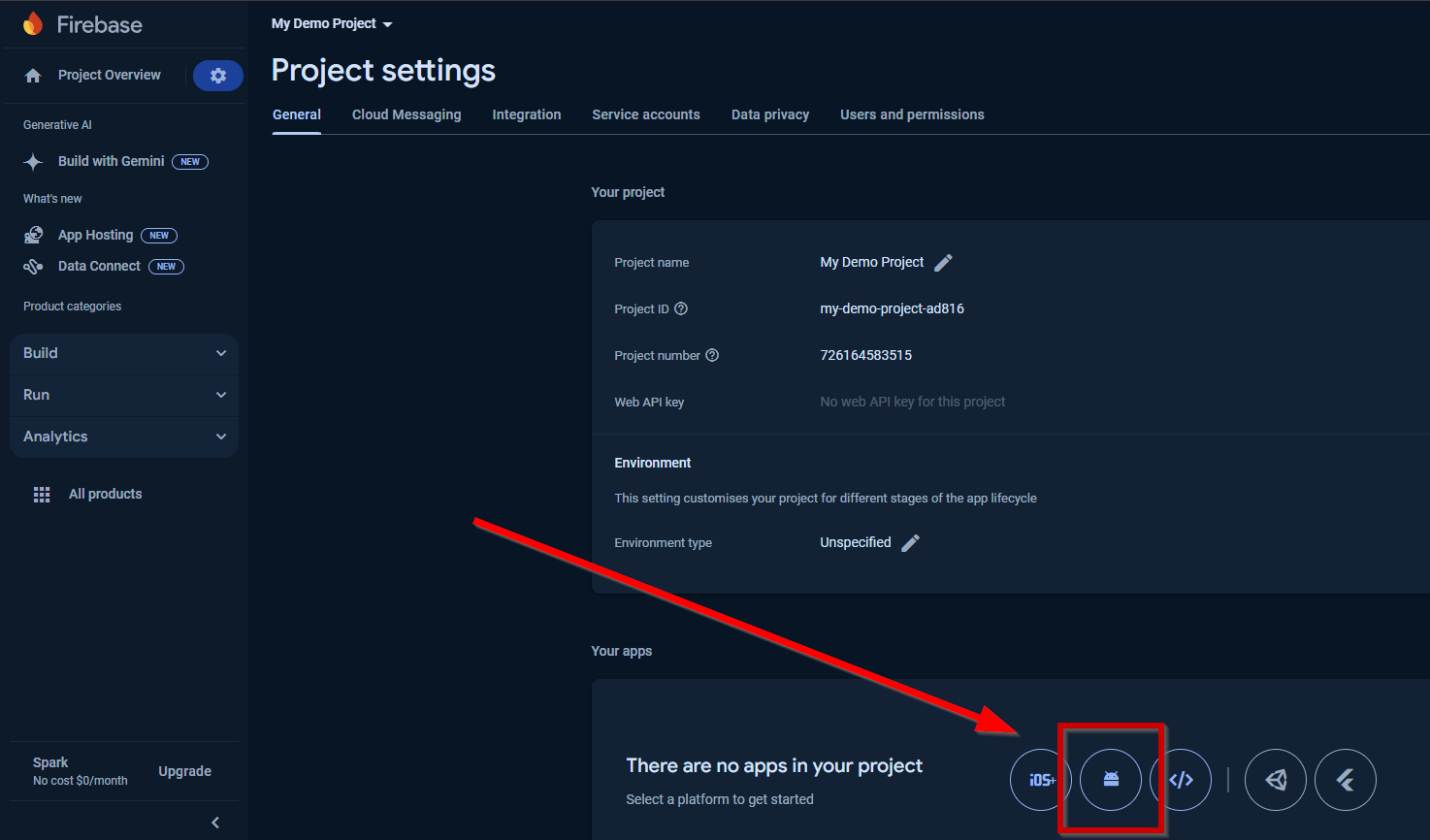
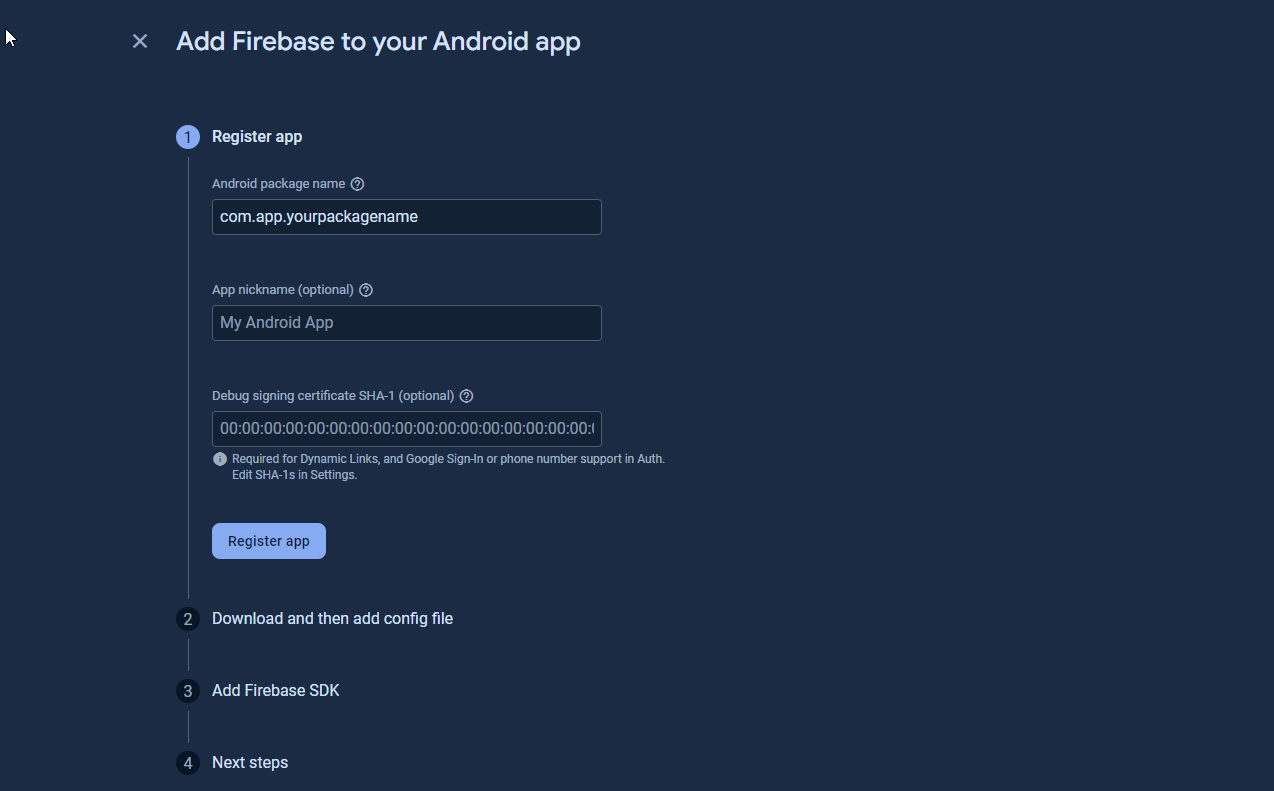
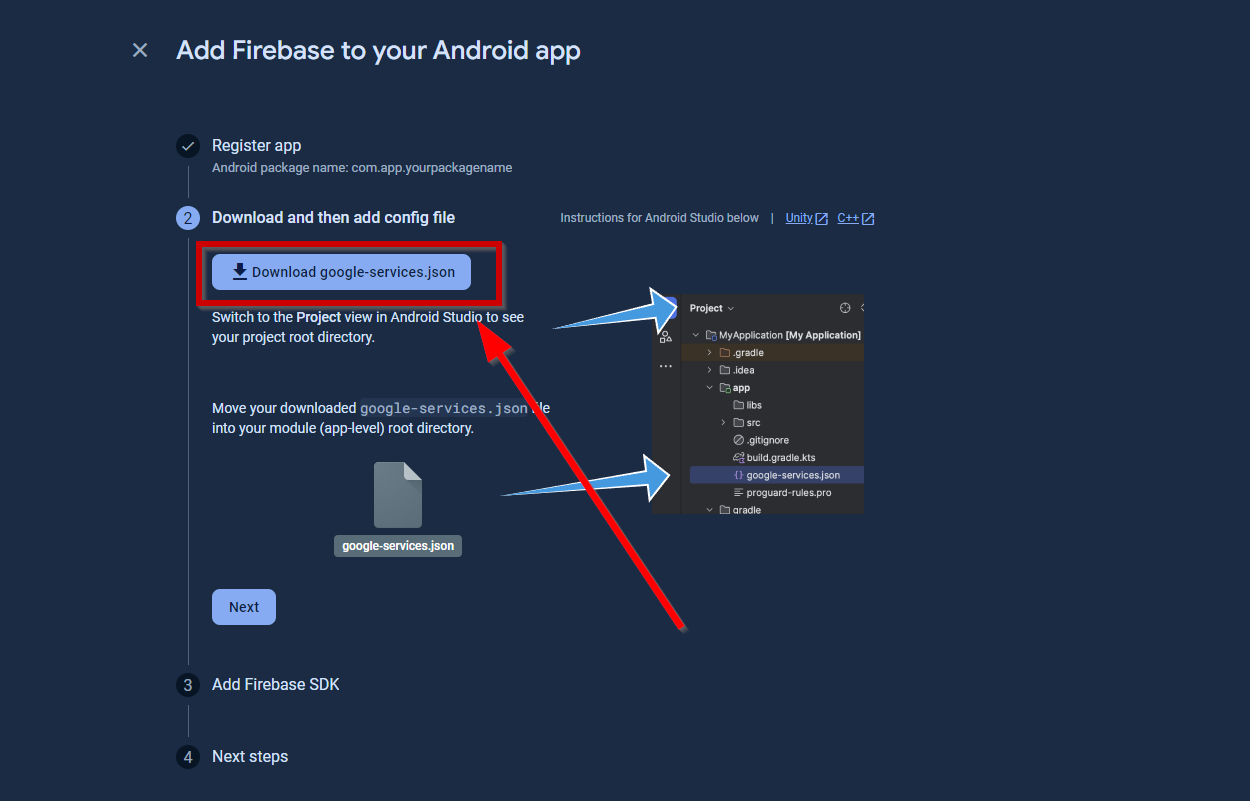
Add Android App and download google-services.json
Check if FCM API v1 is Enabled
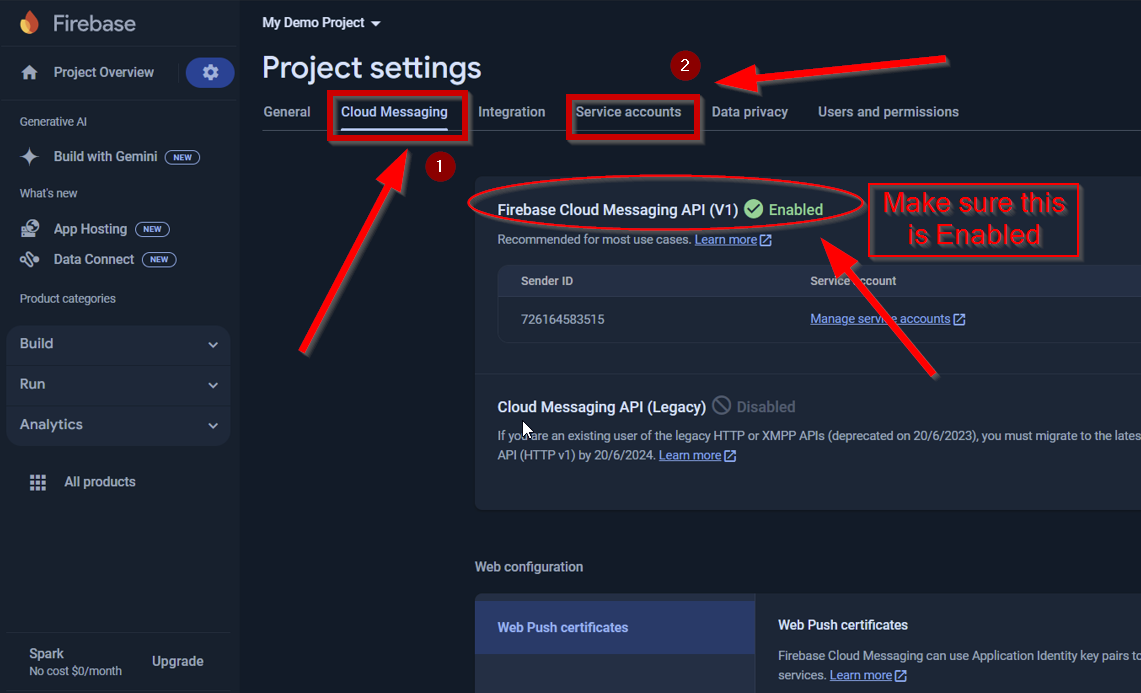
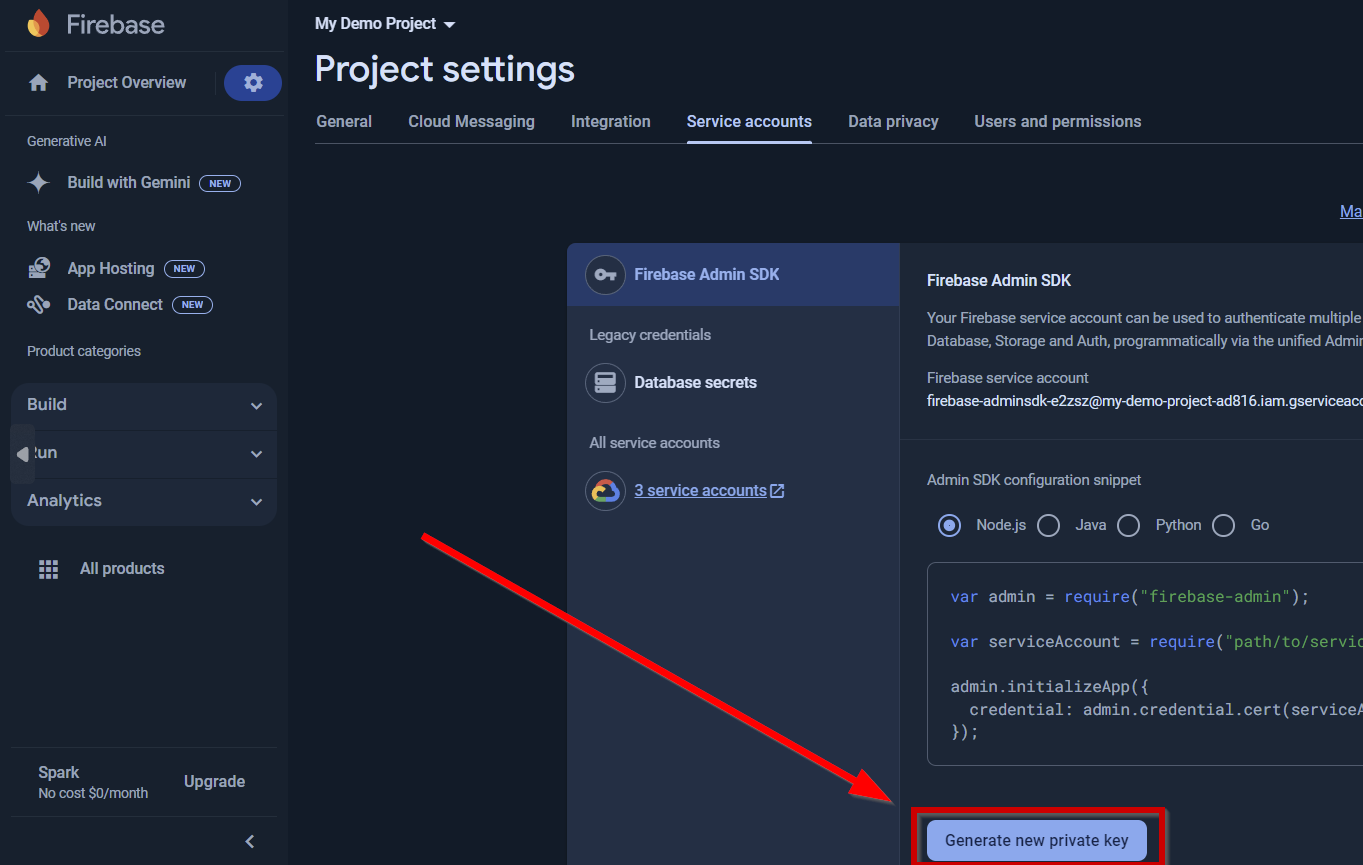
Download service accounts JSON Private Key